
Quick Summary
Selling Lightroom presets remains one of the most accessible ways for photo editors to generate passive income in 2026. This guide walks you through building a cohesive preset pack, packaging it professionally, pricing strategically, and marketing directly to photographers on Instagram and Etsy. You'll learn realistic earnings expectations, the exact steps to launch your first product, and the costly mistakes that sink most beginners before they gain traction.
Can you really make money with this in 2026?
As of early 2026, the preset market has matured but remains genuinely profitable for creators who approach it strategically. The global photo editing software market hit $1.2 billion in 2025, and Lightroom continues dominating with over 20 million active users. These photographers constantly seek workflow shortcuts—and that's exactly what presets provide.
Here's the honest reality: generic "Instagram filter" packs face brutal competition. But niche presets targeting specific photography styles? Those sell consistently. Wedding photographers still pay $30-80 for presets that match their aesthetic. Real estate photographers grab packs that make properties pop. Portrait photographers invest in skin tone presets that save hours of editing.
The barrier to entry is low (you only need Lightroom and editing knowledge), the product is infinitely scalable (sell one preset pack to unlimited buyers), and the overhead is essentially zero. You won't get rich overnight, but building a preset business that generates $1,000-3,000 monthly within a year is realistic if you execute the fundamentals.
How selling Lightroom presets actually works
The mechanics are straightforward. You create custom editing adjustments in Lightroom, export them as .xmp or .lrtemplate files, package them with installation instructions, and sell them through marketplaces or your own channels.
Buyers purchase your preset pack, download the files, import them into their Lightroom catalog, and apply your editing style to their photos with one click. They're paying for your expertise distilled into a reusable format—and more importantly, they're paying for time savings.
A wedding photographer editing 800 images from a single event might spend 40 hours on manual adjustments. With the right preset as a starting point, that drops to 10-15 hours. Your presets aren't just filters; they're workflow tools that let photographers deliver more work in less time.
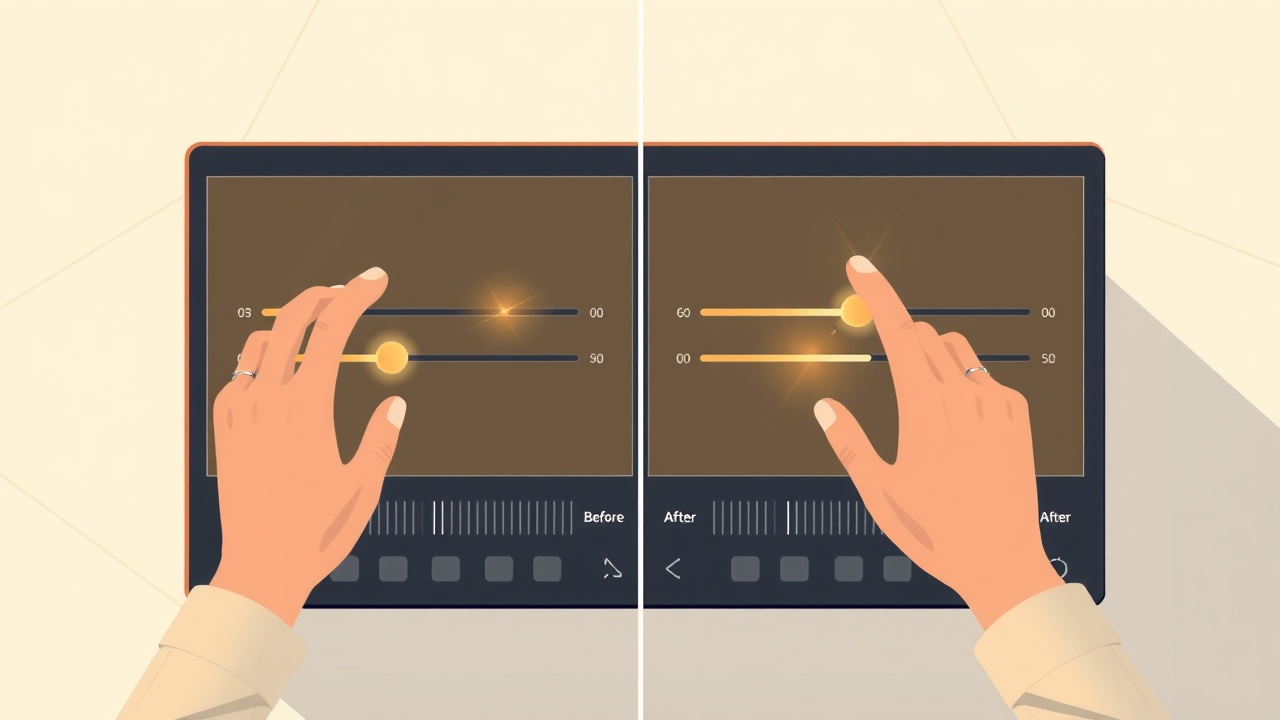
The selling process typically works through three channels:
Etsy provides built-in traffic from photographers already searching for presets. You pay listing fees and transaction percentages, but gain access to buyers without building an audience first.
Instagram serves as your marketing engine. You showcase before/after transformations, build credibility, and drive followers to your shop links.
Your own website (via Gumroad, Shopify, or similar) offers the highest profit margins once you've established traffic sources.
Most successful preset sellers use all three: Etsy for discovery, Instagram for marketing, and a personal site for maximum margins on repeat customers.
Step-by-step: how to start
Step 1: Define your niche and target photographer
Before touching Lightroom, decide exactly who you're serving. "All photographers" isn't a niche—it's a recipe for invisibility.
Strong niches include:
- Dark and moody wedding photography
- Bright and airy newborn portraits
- Real estate interior photography
- Film emulation for street photographers
- Food photography for restaurants
- Outdoor adventure and travel content
Research what's selling on Etsy by searching "Lightroom presets" plus your potential niche. Note which listings have thousands of sales and study their positioning. Your goal isn't copying—it's understanding what resonates with buyers.
Step 2: Build your preset pack
Open Lightroom and start developing presets that solve specific problems within your niche. Don't create random adjustments; design each preset with intention.
For a wedding preset pack, you might include:
- A base preset for outdoor ceremonies
- A variant for harsh midday light
- A warm reception/indoor preset
- A preset for golden hour portraits
- A black and white conversion that maintains skin detail
- A preset specifically for detail shots (rings, flowers, invitations)
Aim for 8-15 presets per pack. Each should be distinct but aesthetically cohesive. Test every preset on at least 20-30 different images to ensure they work across various lighting conditions and camera settings.
Export your presets as .xmp files for Lightroom Classic and Lightroom CC compatibility. Name them clearly—"Bright_Airy_Outdoor_v1" tells buyers more than "Preset_04."
Step 3: Create professional packaging
Your preset files need supporting materials that build trust and reduce customer support headaches:
Installation guide: Write clear, step-by-step PDF instructions with screenshots for both Lightroom Classic and Lightroom mobile. Anticipate confusion points.
Before/after samples: Include 5-10 high-quality example images showing your presets in action. These serve double duty as marketing materials.
Product mockups: Create visual representations of your pack for marketplace listings. These aren't photos—they're designed graphics showing your preset collection professionally.
If you're selling on Etsy, your listing images need to stop scrollers immediately. The Etsy Engine can help you generate scroll-stopping product mockups and listing graphics that match what's currently converting on the platform—useful if graphic design isn't your strength.
"The preset itself is only half the product. Professional packaging transforms a folder of files into something worth paying for."
Step 4: Price your presets strategically
Preset pricing varies widely, but these ranges reflect 2026 market reality:
- Starter/basic packs: $9-19
- Mid-tier niche packs: $25-49
- Premium professional packs: $59-99
- Complete bundles (multiple packs): $99-199
Don't race to the bottom. Cheap pricing attracts bargain hunters, not professional photographers who'll leave reviews and become repeat buyers. Price based on the value and time savings you provide, not what feels "safe."
Consider offering a smaller free sample pack to build your email list. Give away 2-3 presets that showcase your style, then upsell the complete collection.
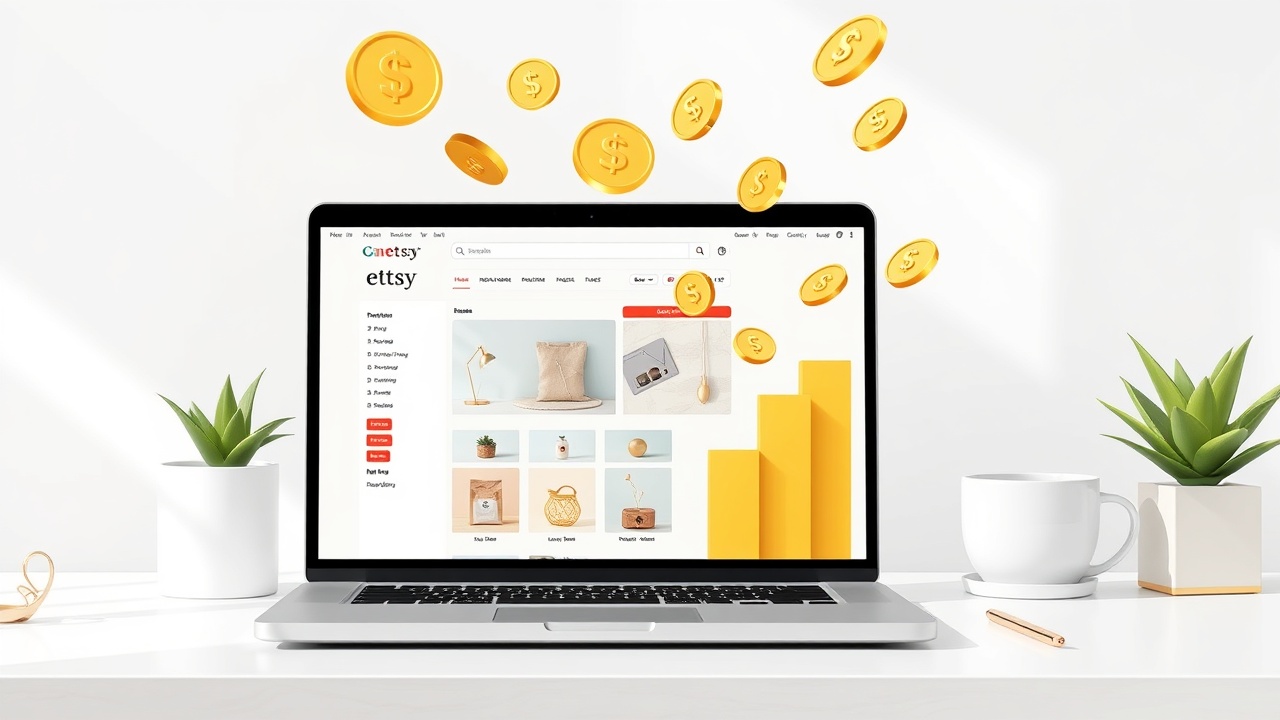
Step 5: Set up your Etsy shop
Create your Etsy seller account if you haven't already. For preset shops specifically:
- Choose a shop name that signals your niche ("AiryWeddingPresets" beats "SarahsDigitalStuff")
- Write detailed listing descriptions with keywords photographers actually search
- Use all 10 listing image slots with mockups, before/afters, and installation previews
- Set up instant digital download delivery so buyers get files immediately
Your listing title should include searchable terms: "Bright Airy Wedding Lightroom Presets, Professional Photo Editing Filters, Photography Tools" covers multiple search angles.
Step 6: Build your Instagram marketing engine
Instagram remains the highest-converting platform for preset sales because you can demonstrate results visually. Your content strategy should include:
Before/after reels: Show dramatic transformations with your presets. These consistently outperform static posts.
Editing tutorials: Short videos explaining how to tweak presets for different scenarios build trust and demonstrate expertise.
Behind-the-scenes: Show your preset development process. Followers connect with creators, not faceless shops.
User-generated content: Reshare photos from customers using your presets (with permission). Social proof drives conversions.
Post consistently—minimum 4-5 times weekly when launching. Use relevant hashtags (#lightroompresets, #photoediting, #weddingphotographer) and engage genuinely with your target photographer community.
To maintain posting momentum without burning out, the Content Engine can help you draft captions and longer-form educational content about photo editing techniques. This keeps your profile active while you focus on actual preset development and customer relationships.
Step 7: Expand and iterate
Once your first pack gains traction:
- Release complementary packs (if your first was outdoor weddings, add indoor reception presets)
- Create seasonal variants (fall colors, winter whites)
- Bundle products for higher average order value
- Collect and respond to customer feedback for version improvements
The preset business compounds. Each new pack exposes you to new search terms and gives previous customers reasons to return.
Realistic earnings & timeline
| Timeline | Typical Monthly Revenue | What's Happening |
|---|---|---|
| Months 1-2 | $0-100 | Building first pack, setting up shop, learning |
| Months 3-4 | $100-300 | First consistent sales, reviews trickling in |
| Months 5-6 | $200-500 | SEO traction, Instagram growing, repeat customers |
| Months 7-12 | $500-1,500 | Multiple packs, established presence, referrals |
| Year 2+ | $1,000-5,000+ | Full catalog, strong brand, diversified traffic |
These numbers assume consistent effort: weekly content, responsive customer service, and ongoing product development. Passive income in presets requires upfront active work.
Top performers earning $5,000-10,000+ monthly typically have 10+ preset packs, strong YouTube or TikTok presence alongside Instagram, and email lists they market to directly.
Mistakes that kill beginners
Creating presets for yourself instead of your customer. Your editing style might be gorgeous, but if it doesn't match what your target photographers need, sales won't follow. Research actual buyer preferences before developing products.
Skipping mobile compatibility. Over 60% of Lightroom users now edit on mobile at least part of the time. Presets that only work in Lightroom Classic immediately lose the majority of potential customers. Always test and include mobile-compatible versions.
Underestimating customer support needs. Photographers struggle with preset installation constantly. Every hour spent answering "how do I import these" emails is an hour not spent marketing or creating. Bulletproof installation guides and FAQ documents prevent support avalanches.
Ignoring SEO in your Etsy listings. Etsy's search algorithm determines who sees your presets. Stuffing titles and tags with relevant keywords ("wedding presets," "Lightroom mobile," "photo editing") isn't optional—it's survival. Study top-selling competitors' keyword strategies.
Expecting instant results. The preset market rewards persistence. Most shops see minimal traction for 2-3 months before momentum builds. Creators who quit after 30 days of slow sales never reach the compounding phase where real money happens.
Frequently asked questions
How much can you realistically make selling Lightroom presets?
Most beginners earn $100-500 per month in their first six months. Established preset sellers with strong niche audiences and multiple packs typically generate $1,000-5,000 monthly. Top creators with large followings can exceed $10,000 per month through combined Etsy, Instagram, and website sales.
Do you need professional photography experience to sell presets?
You don't need to be a professional photographer, but you do need strong photo editing skills and an understanding of what photographers actually need. Many successful preset sellers are hobbyist photographers or dedicated editors who understand color theory and Lightroom's capabilities deeply.
What's the best platform to sell Lightroom presets in 2026?
Etsy remains the strongest marketplace for beginners due to built-in traffic and buyer trust. Instagram serves as an excellent marketing channel that drives traffic to your shop. For maximum profit margins, eventually add your own website using Gumroad or Shopify to avoid marketplace fees.
How many presets should be in a pack to sell well?
The sweet spot is 8-15 presets per pack. Fewer than 5 feels thin and hard to justify pricing. More than 20 overwhelms buyers and suggests the presets lack focus. Each preset in your pack should serve a distinct purpose while maintaining cohesive aesthetic branding.
Are Lightroom presets still profitable with so much competition?
Yes, but generic presets struggle. The preset market has matured, meaning success requires strong niche positioning. Presets for specific photography styles (newborn, real estate, dark moody weddings) or that solve particular problems (fix orange indoor lighting, enhance autumn colors) outperform generic "Instagram filter" packs significantly.
The bottom line
The opportunity to sell Lightroom presets in 2026 is real, but it rewards strategic creators over random uploaders. Pick a niche you understand, build presets that genuinely solve problems for photographers, package them professionally, and market consistently on Instagram while Etsy's algorithm works in the background. This isn't a get-rich-quick play—it's a legitimate digital product business that compounds with effort and time.
Get the AI tools to do all of this — free
Create a free Elite Engines account and get 5 AI money-making engines instantly. No credit card.
