Quick Summary
Selling Canva templates remains one of the most accessible paths to digital product income in 2026. You don't need design school credentials—just an eye for what sells, the patience to build a catalog, and smart positioning on platforms like Etsy. This guide walks you through creating in-demand templates, automating delivery, and building a sustainable canva template business that generates income while you sleep.
Can you really make money with this in 2026?
As of early 2026, the Canva template market has matured but certainly hasn't saturated. Canva now boasts over 190 million monthly active users, and the platform's "template link" feature has made selling digital templates simpler than ever before. The barrier to entry is low, but that's actually good news—it means demand is massive and growing.
Here's the honest truth: the sellers who struggled in 2025 were those creating generic, "pretty" templates that looked like everything else. The sellers who thrived created templates solving specific problems for specific people. A "Instagram Post Template" competes with millions. A "Real Estate Agent Open House Instagram Story Bundle" competes with hundreds.
The market size tells the story. Digital template sales on Etsy alone exceeded $400 million in 2025, with Canva templates representing roughly 35% of that category. Independent sellers on platforms like Gumroad and Shopify added another estimated $150 million. There's money here—the question is whether you'll approach it strategically.
How selling Canva templates actually works
The mechanics are refreshingly simple. You create a template in Canva, generate a shareable template link, and sell that link to customers. When someone purchases your template, they click the link, and Canva automatically creates a copy in their own account. They edit it, you get paid, and neither of you deals with file compatibility issues.
This is different from selling traditional design files. You're not sending PDFs or PSD files—you're selling access to an editable Canva document. Your customer needs a free Canva account (or Canva Pro for templates using premium elements), but that's it.
The canva templates passive income model works because creation is front-loaded. You spend 2-4 hours making a template once, then sell it unlimited times. Your 50th sale takes zero additional effort. This compounding effect is why template sellers who stick with it for 12+ months often see exponential growth in their earnings.
Step-by-step: how to start
1. Choose your niche before you design anything
This step separates hobbyists from earners. The best canva templates to sell aren't the prettiest—they're the most useful to a specific buyer.
Start with these questions:
- Who has money and needs templates regularly? (Business owners, content creators, coaches, real estate agents, event planners)
- What templates would they need repeatedly? (Social media content, client proposals, course materials, listing presentations)
- What's underserved on Etsy right now?
Spend 30 minutes on Etsy searching template categories. Look at what's selling (check review counts and "bestseller" badges), then identify gaps. Maybe there are tons of generic Instagram templates but few specifically for nutritionists. That's your opening.
2. Create your first template bundle
Single templates rarely sell well anymore. Buyers expect value—bundles of 10, 20, or 50+ templates priced together. Your first product should be a cohesive bundle of 15-25 templates around a single theme.
In Canva, create a new design at the correct dimensions for your template type. Use consistent colors, fonts, and styling across all templates in the bundle. Include variety within the theme—if you're making Instagram post templates for fitness coaches, include quote posts, tip carousels, testimonial layouts, and promotional graphics.
Pro tip: Use only free Canva elements, or clearly mark your template as "Canva Pro required" if you use premium elements. Buyers get frustrated when they can't access elements in templates they've purchased.
3. Generate your template links
Once your templates are complete, click "Share" in Canva, then select "Template link." This creates a special URL that, when clicked, copies the design to the viewer's Canva account rather than letting them edit your original.
Create a simple delivery document (a PDF works fine) containing:
- Thank you message
- Instructions for using the template link
- The actual template link(s)
- Basic customization tips
- Your support email
This PDF is what you'll deliver to customers after purchase.
4. Set up your Etsy shop
Etsy remains the fastest path to first sales because buyers are already there searching for templates. Create your shop, choose a memorable name related to your niche, and set up your shop policies.
For your product listings, you'll need:
- 10 high-quality mockup images showing your templates
- A keyword-rich title ("Instagram Templates for Realtors | 25 Real Estate Social Media Posts | Canva Template Bundle")
- Detailed description explaining what's included and how it works
- Appropriate tags using relevant search terms
Creating compelling listings that actually convert browsers into buyers is where many beginners struggle. The Etsy Engine can help you generate optimized listings for printables and digital products, taking the guesswork out of titles, descriptions, and tags that Etsy's algorithm favors.
5. Create mockup images that sell
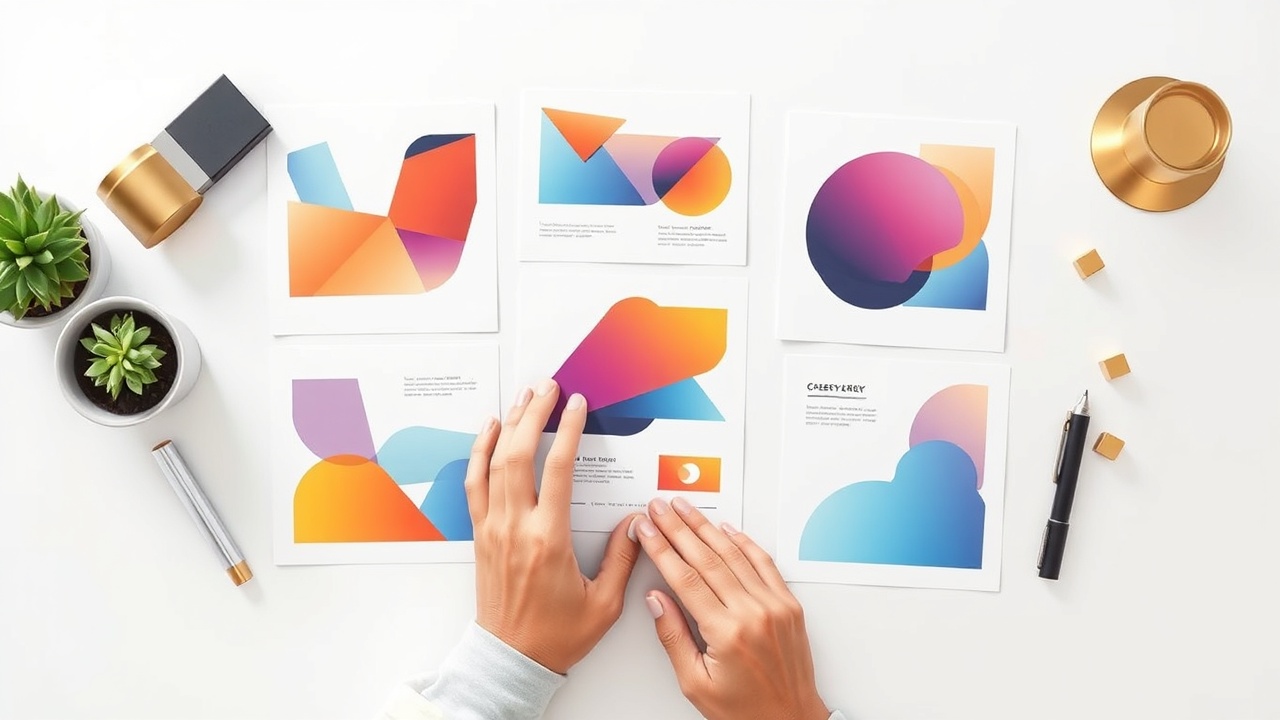
Your templates might be brilliant, but buyers judge books by covers. You need mockup images showing your templates in aspirational contexts—displayed on laptop screens, phone mockups, or styled flat-lay scenes.
Canva itself offers mockup templates, or you can use dedicated mockup generators. Show multiple templates from your bundle, include close-ups of design details, and create at least one image showing the "before and after" of customization.
The sellers who earn $5,000+ monthly almost always have better mockup images than their competitors—even when their actual templates are similar quality.
6. Set up automated delivery
Etsy allows instant digital downloads, meaning customers receive their PDF immediately after purchase. Upload your delivery PDF as a digital file, and Etsy handles the rest. No manual sending, no waiting—pure automation.
For your own website (which you should add later), platforms like Gumroad, Shopify with digital downloads apps, or Payhip handle the same automation. The goal is removing yourself from the delivery process entirely.
7. Drive traffic beyond Etsy
Etsy provides baseline traffic, but serious sellers don't rely on it alone. Pinterest is the highest-converting free traffic source for template sellers—create pins showcasing your templates and link directly to your listings.

Consider starting a simple blog on your own domain. Articles like "Best Instagram Post Ideas for Real Estate Agents" or "How to Create a Content Calendar for Your Coaching Business" attract your target buyers through Google. The Content Engine can help you produce SEO-optimized articles that drive organic traffic to your template shop without spending hours writing.
8. Scale with more products
Your first bundle teaches you what sells. Your second, third, and tenth bundles compound your income. Aim to add one new template bundle every two weeks initially. Within six months, you'll have a catalog generating sales across multiple products simultaneously.
Pay attention to which templates get the most favorites, which bundles sell fastest, and what customers request. Let data guide your product development.
Realistic earnings & timeline
| Timeline | Expected Catalog Size | Realistic Monthly Income | Key Milestone |
|---|---|---|---|
| Month 1-2 | 2-3 bundles | $0-$100 | First sale |
| Month 3-4 | 5-8 bundles | $100-$300 | Consistent daily views |
| Month 5-6 | 10-15 bundles | $200-$500 | First repeat customer |
| Month 7-12 | 20-30 bundles | $500-$1,500 | Etsy Star Seller eligible |
| Year 2 | 50+ bundles | $1,500-$5,000 | Multiple income streams |
These numbers assume consistent effort, not viral luck. The canva template business rewards persistence over perfection. Sellers who quit after three months never see the compounding effect that kicks in around month six.
Your first $100 month feels slow. Your first $1,000 month feels inevitable once you've built the catalog to support it.
Mistakes that kill beginners
Creating for yourself instead of buyers. Your aesthetic preferences don't matter—your customer's needs do. That maximalist boho design you love might be unsellable if your target market wants clean minimalism. Research before you create.
Pricing too low out of insecurity. A $3 template bundle signals low quality. Serious buyers expect to pay $12-$27 for a quality bundle. Underpricing attracts bargain hunters who leave negative reviews over minor issues.
Ignoring Etsy SEO completely. Etsy is a search engine. If your titles, tags, and descriptions don't include terms buyers actually search, you're invisible. Study Etsy SEO or use tools that optimize listings for you.
Stopping after five products. The math is simple: more products equal more chances for discovery. Sellers who quit with a handful of listings never reach the critical mass needed for sustainable income. Commit to building a real catalog.
Copying successful sellers exactly. You'll get buried in competition and possibly face copyright issues. Use bestsellers as inspiration for what markets want, then differentiate with your unique angle, niche focus, or superior execution.
Frequently asked questions
How much money can you make selling Canva templates?
Beginners typically earn $100-$500 per month in their first 6 months. Established sellers with 50+ quality templates often generate $1,000-$5,000 monthly. Top performers with large catalogs and multiple sales channels can earn $10,000+ per month in passive income.
Do you need to be a graphic designer to sell Canva templates?
No. Canva's drag-and-drop interface makes template creation accessible to anyone. Many successful sellers have zero formal design training. What matters more is understanding your target market's needs and creating templates that solve real problems.
What are the best Canva templates to sell in 2026?
The most profitable categories include social media content bundles, business proposal templates, course creator materials, wedding and event stationery, resume and portfolio templates, and content calendars. Niche-specific templates for industries like real estate, coaching, and e-commerce consistently outperform generic designs.
Where should you sell Canva templates for maximum profit?
Start with Etsy for built-in traffic and low startup costs. As you grow, add your own Shopify or Gumroad store to keep more profit (no marketplace fees). Selling on both platforms maximizes reach while your own store builds higher margins over time.
Is selling Canva templates still profitable in 2026?
Yes. The market has grown but demand has grown faster. More businesses, creators, and entrepreneurs need professional designs but lack time or skills. The key is differentiation—niche-specific templates, superior quality, and bundling solve the increased competition problem.
The bottom line
If you want to sell Canva templates successfully in 2026, stop thinking like a designer and start thinking like a problem-solver. Pick a niche, build a catalog methodically, and let the passive income compound over time. The sellers winning right now aren't the most talented—they're the most consistent.
Get the AI tools to do all of this — free
Create a free Elite Engines account and get 5 AI money-making engines instantly. No credit card.
