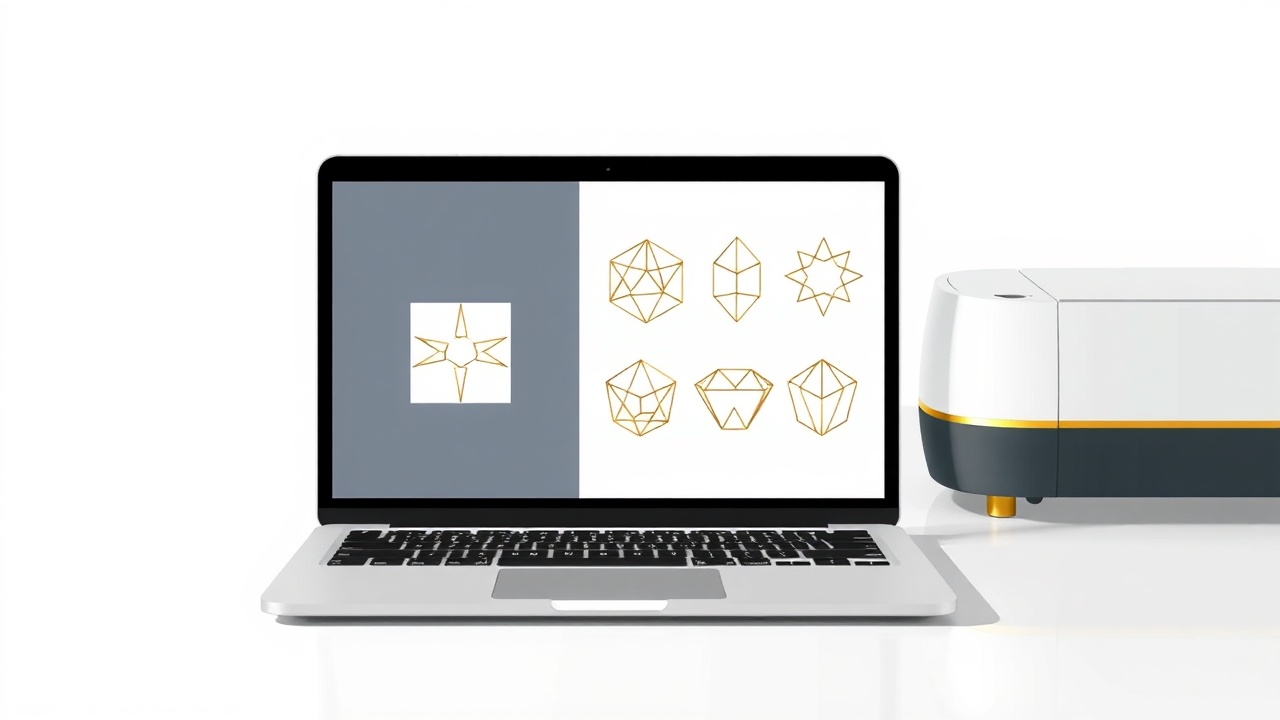
Quick Summary
Selling SVG files on Etsy remains one of the most accessible ways for crafters to generate passive income in 2026. You create vector cut files once, list them in your digital storefront, and earn money each time someone downloads your design. This guide walks you through finding profitable niches, creating files that Cricut owners actually search for, and building a shop that generates consistent monthly revenue without inventory headaches.
Can you really make money with this in 2026?
As of early 2026, the SVG file market on Etsy continues to grow alongside the expanding crafting community. The global craft supplies market reached over $50 billion last year, and Cricut alone has shipped more than 8 million machines to hobbyists and small business owners.
Here's what makes the timing particularly favorable: the barrier to entry for selling digital products has dropped significantly while demand has increased. More people own cutting machines than ever before, and they're constantly searching for fresh designs. Etsy reported that digital downloads remain one of their fastest-growing categories, with SVG files representing a substantial portion of that growth.
The honest truth? You won't get rich overnight. But sellers who treat this as a real business—consistently uploading quality designs, optimizing their listings, and understanding their customers—regularly report earning $500 to $3,000 monthly within their first year. Top sellers in established niches clear five figures monthly, though that level requires significant catalog depth and years of refinement.
The opportunity is real, but so is the competition. Success comes from specificity: targeting underserved niches rather than competing head-to-head with established shops on generic designs.
How selling SVG files actually works
When you sell SVG files on Etsy, you're selling the rights for customers to use your digital designs with their cutting machines. The customer pays, immediately downloads the file, and uses it with their Cricut, Silhouette, or other compatible cutter to create physical products—t-shirts, mugs, signs, decals, and countless other items.
Your role is creating the vector file and handling the business side: product photography, listing optimization, customer service, and shop management. Etsy handles payment processing and provides the marketplace traffic.
The beauty of this model lies in its scalability. Unlike physical products, you create each design once and sell it unlimited times. Your 100th sale of a design requires zero additional work from you. This is what makes an Etsy SVG business genuinely passive after the initial creation phase.

Most successful sellers offer SVG files for Cricut in bundles or themed collections, which increases average order value. A single wedding SVG might sell for $2.50, but a wedding bundle with 25 coordinated designs can command $15-20. Smart bundling transforms modest per-design prices into meaningful revenue.
You'll typically include multiple file formats with each purchase—SVG, PNG, DXF, and EPS—to ensure compatibility across different machines and software. This sounds complicated but becomes routine quickly; most design software exports to all formats with a few clicks.
Step-by-step: how to start
1. Research profitable niches before creating anything
Skip this step at your peril. The difference between shops that flounder and shops that flourish often comes down to niche selection. You need to find the intersection of three factors: designs people actively search for, niches without overwhelming competition, and topics you can create consistently around.
Start by browsing Etsy's search suggestions. Type "SVG" into the search bar and note what auto-completes. These suggestions reflect actual search volume. Then examine the top-selling shops in your potential niche. Look at their sales numbers, review counts, and how long they've been operating.
You want to sell cut files in niches where demand exists but the top results aren't completely dominated by mega-sellers with 50,000+ sales. Look for opportunities where you can offer something slightly different—a unique style, underserved sub-niches, or better-organized bundles.
2. Create your first collection of designs
Aim for 20-30 designs before launching. This gives your shop enough depth to appear legitimate and allows you to test what resonates with buyers.
For software, you have several options at different price points:
- Adobe Illustrator: Industry standard, $22.99/month
- Affinity Designer: One-time purchase, $69.99
- Inkscape: Free and surprisingly capable
- Canva Pro: $12.99/month, good for text-based designs
Focus on creating clean, well-organized files. Each design should be properly grouped, use consistent stroke widths, and include clear layers. Buyers appreciate files that don't require cleanup before cutting.
"The sellers who win aren't necessarily the best designers—they're the ones who understand exactly what crafters need and deliver files that work perfectly the first time."
If you're struggling with design ideas or need help generating concepts quickly, the Etsy Engine can help you brainstorm product ideas based on trending searches and seasonal demand, saving hours of manual research.
3. Set up your Etsy shop strategically
Your shop name should be memorable, easy to spell, and ideally hint at what you sell. Avoid overly generic names that disappear into the crowd. Complete every section of your shop profile—the About section, shop policies, and banner image all contribute to buyer trust.
Set your shop location and enable Etsy Payments. Configure your digital download settings properly, ensuring buyers receive files automatically upon purchase. Test the download process yourself before your first sale.
4. Create listings that convert searchers into buyers
This step determines whether your designs get seen at all. Etsy's search algorithm weighs titles, tags, and descriptions heavily when deciding which listings to show.
Your title structure should follow this pattern: Primary keyword + secondary descriptors + use case. For example: "Wedding SVG Bundle | Bride and Groom Cut Files | Cricut Wedding Signs"
Use all 13 available tags. Mix broad terms ("wedding svg") with specific long-tail phrases ("rustic wedding welcome sign svg"). Include variations buyers might search: "cut file," "cutting file," "cricut design," "silhouette file."
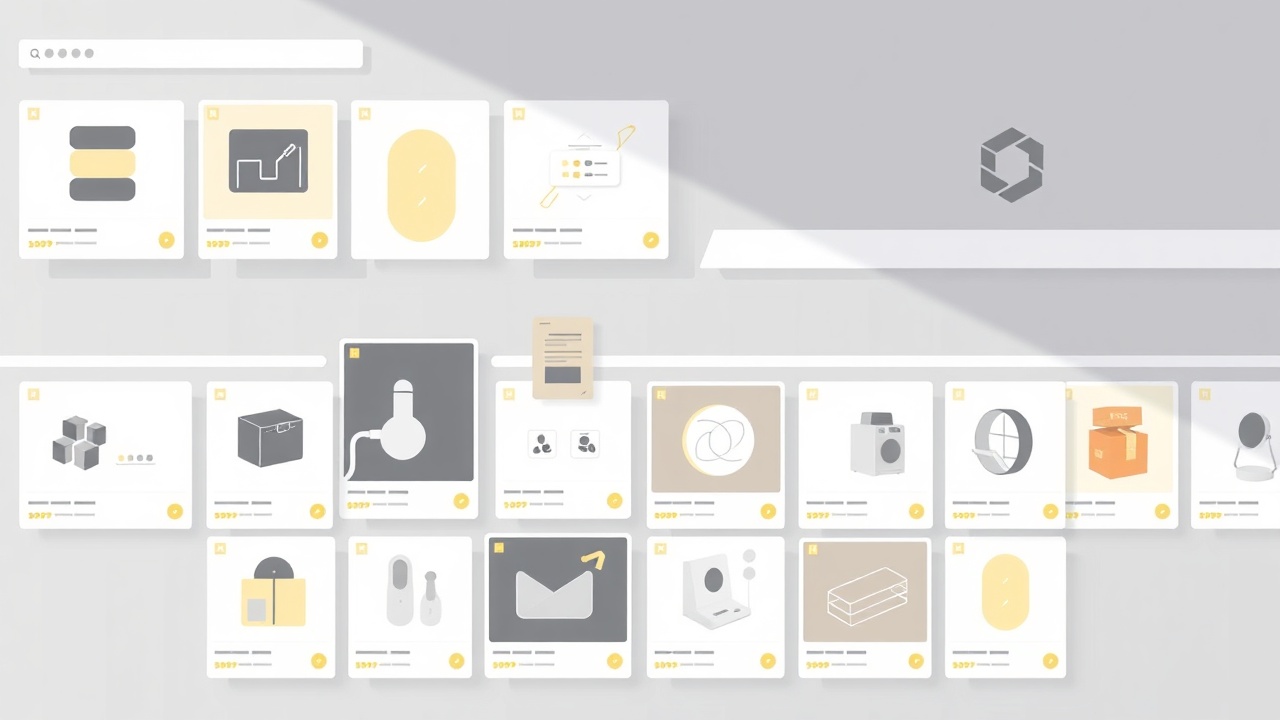
Your product images matter enormously for digital products. Show mockups of the design in use—on a t-shirt, a wooden sign, a tumbler. Include a flat preview of the design itself plus an image showing what file formats are included. Many successful sellers use 7-10 images per listing.
5. Price for profitability and perceived value
New sellers often underprice dramatically. While you're competing in a crowded market, racing to the bottom destroys your business before it starts.
Research comparable listings and price in the middle to upper range. A well-presented listing with clear mockups and comprehensive file formats can command premium prices. Single designs typically range from $1.50 to $4.99; bundles from $8.99 to $24.99.
Remember that Etsy takes approximately 15% in various fees (listing fees, transaction fees, payment processing). Factor this into your pricing calculations.
6. Build a content ecosystem around your shop
The most successful Etsy shops don't rely solely on Etsy's internal search. They drive external traffic through Pinterest, YouTube tutorials, and blog content. This external traffic also signals quality to Etsy's algorithm, improving your internal search rankings.
Pinterest works exceptionally well for SVG sellers because your target audience already uses the platform for craft inspiration. Create pins showing your designs in use, linking back to your Etsy listings.
Consider creating blog content targeting long-tail searches like "free wedding SVG files" or "best fonts for Cricut projects." While this requires more effort, it builds lasting traffic sources independent of Etsy's algorithm changes. The Content Engine can help you produce SEO-optimized articles consistently, establishing your authority in your niche without spending hours writing each piece.
Realistic earnings & timeline
Let's be specific about what you can actually expect:
| Timeline | Shop Status | Monthly Revenue | Monthly Hours |
|---|---|---|---|
| Month 1-2 | 20-50 listings | $0-50 | 40-60 |
| Month 3-6 | 75-150 listings | $100-400 | 20-30 |
| Month 6-12 | 200-400 listings | $400-1,500 | 15-25 |
| Year 2+ | 500+ listings | $1,000-4,000+ | 10-20 |
These numbers assume consistent effort, decent design quality, and proper SEO optimization. Your first sales typically arrive between week 3 and week 8. The gap between uploading your first listing and receiving your first sale feels interminable—this is normal.
Critically, most of your revenue will come from a small percentage of your listings. Expect 20% of your designs to generate 80% of your sales. This is why volume matters: more listings mean more chances to discover what resonates with buyers.
Mistakes that kill beginners
Copying trending designs directly. It's tempting to recreate popular listings you see selling well. Beyond the ethical and legal problems, this strategy fails because you're competing against established sellers with review momentum and algorithmic advantage. Create inspired-by designs with your unique spin instead.
Ignoring seasonal planning. SVG sales spike dramatically around holidays. Shops that prepare Christmas designs in October miss the buying window. Plan 3-4 months ahead: summer designs in spring, Halloween in July, Christmas in September.
Treating customer service as optional. Digital product buyers occasionally need help with downloads or file compatibility. Responding promptly and helpfully generates positive reviews, which directly impact your search visibility. A 4.9-star shop dramatically outperforms a 4.5-star shop in search results.
Uploading and forgetting. Etsy rewards active shops. Regular uploads signal to the algorithm that your shop is maintained and relevant. Even adding 2-3 new designs weekly keeps your shop fresh in Etsy's eyes.
Neglecting listing optimization over time. Your initial keywords might miss the mark. Use Etsy's built-in stats to see which search terms bring visitors and which listings convert. Continuously refine titles and tags based on actual performance data.
Frequently asked questions
Do I need to know graphic design to sell SVG files on Etsy?
Not necessarily. While design skills help, many successful sellers start with basic tools like Canva or Inkscape. You can learn vector design fundamentals in a few weeks, and AI-assisted tools now make creating simple cut files much more accessible for beginners.
How much does it cost to start an Etsy SVG business?
The startup costs are minimal. You'll need Etsy listing fees ($0.20 per listing), vector design software (free options like Inkscape exist), and potentially a Cricut or Silhouette for testing ($200-400, though not strictly required). Most sellers start for under $50.
What SVG files sell best on Etsy?
SVG files for Cricut that target specific occasions and niches perform best. Wedding-related designs, seasonal holiday files, personalized family designs, and trending quotes consistently rank as top sellers. Evergreen niches like teacher appreciation and baby milestones also maintain steady sales year-round.
Can I sell SVG files I made with Canva?
Yes, but with important caveats. You need a Canva Pro subscription to export SVG files, and you can only sell designs where you own all elements or they're licensed for commercial use. Avoid using Canva's pre-made graphics in files you sell—stick to text-based designs or your own uploaded elements.
How do I protect my SVG files from being stolen?
Complete protection is impossible with digital files, but you can minimize theft. Use watermarked preview images, include copyright information in your file metadata, and register your most popular designs with the US Copyright Office. Focus more energy on creating new designs than policing theft—it's a more profitable use of time.
The bottom line
Selling SVG files on Etsy offers a genuine path to passive income for crafters willing to invest upfront effort in learning design basics and understanding their market. The economics work: create once, sell infinitely, with minimal ongoing costs. Start with 30 solid designs in a specific niche, optimize relentlessly based on data, and treat the first six months as your learning investment—the compounding returns come after.
Get the AI tools to do all of this — free
Create a free Elite Engines account and get 5 AI money-making engines instantly. No credit card.
