
Quick Summary
Gumroad remains one of the fastest ways to sell digital products in 2026—no technical skills required, no monthly fees until you sell. This guide walks you through creating and launching your first product in a single weekend, then driving your first sales using email and social media. You'll learn exactly what to sell, how to price it, and the realistic timeline to your first $1,000.
Can you really make money with this in 2026?
As of early 2026, Gumroad has paid out over $1 billion to creators since its inception, with the platform reporting a 23% year-over-year increase in new seller signups throughout 2025. The digital products market continues expanding, projected to reach $331 billion globally by the end of 2026.
The honest answer: yes, you can make money on Gumroad, but expectations matter. The platform's own data shows that creators who publish at least three products and maintain an email list earn 7x more than those with a single product and no list. The median active seller earns approximately $127 monthly, while the top 10% earn $2,400 or more.
What makes Gumroad particularly viable in 2026 is its simplicity. Unlike Shopify or WooCommerce, you don't need hosting, plugins, or technical configuration. Unlike Amazon KDP, you're not competing against millions of products in a crowded marketplace algorithm. Gumroad lets you own the customer relationship, build an email list, and keep 90% of every sale after their flat fee.
The creators who struggle are those who build a product nobody asked for, then wonder why nobody buys. The creators who succeed treat Gumroad as a distribution channel, not a discovery engine—they bring their own audience through content, social media, and email.
How making money on Gumroad actually works
Gumroad is a hosted storefront for digital products. You upload your files, set a price, and get a link. When someone clicks that link and pays, Gumroad handles payment processing, file delivery, and even sales tax compliance. They take 10% of each sale, and you keep the rest.
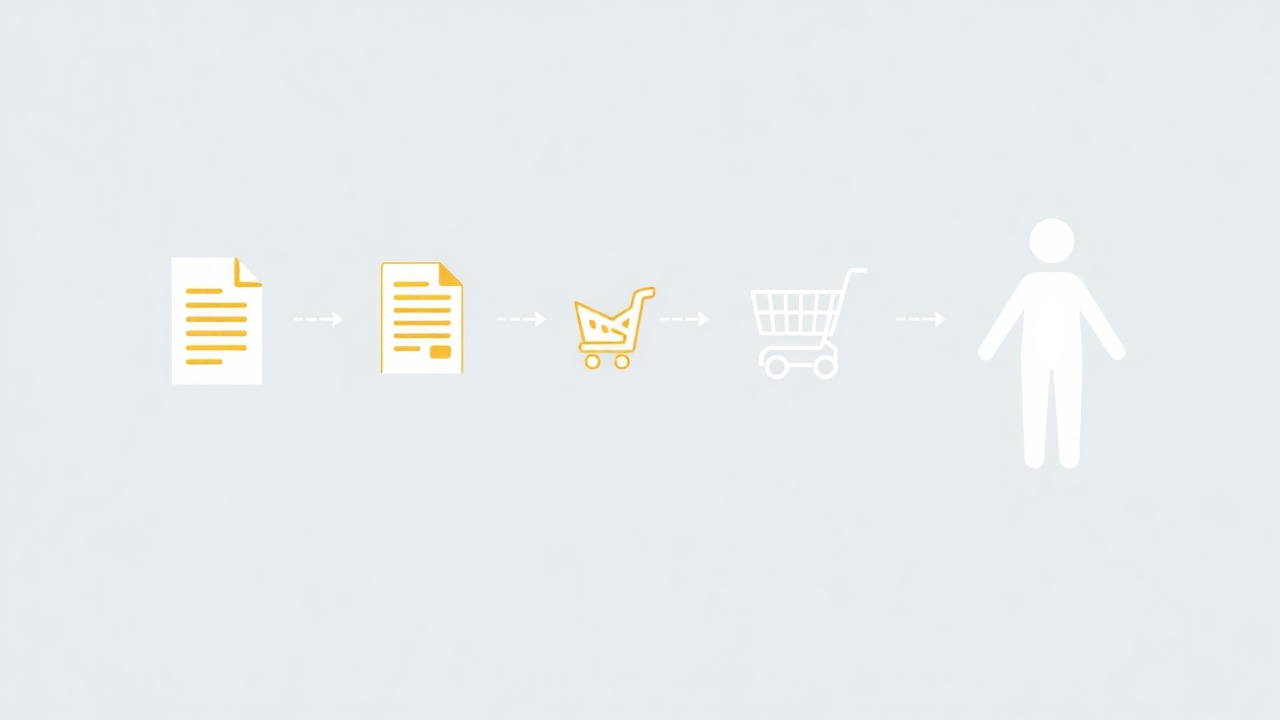
The mechanics break down into three phases:
Phase 1: Product Creation
You create a digital asset—an ebook, template, course, audio file, software, or any downloadable content. This lives on Gumroad's servers. No file size limits for practical purposes, and you can include multiple files in a single product.
Phase 2: Storefront Setup
Your Gumroad profile becomes your store. Each product gets its own sales page with description, preview images, pricing, and checkout. You can offer discount codes, payment plans, and membership tiers. The platform also lists products in Gumroad Discover, their internal marketplace, though this generates minimal traffic for most sellers.
Phase 3: Traffic and Sales
This is where most beginners fail. Gumroad doesn't send you customers—you send customers to Gumroad. Your job is driving traffic through social media posts, email marketing, content marketing, collaborations, or paid ads. When someone purchases, they're added to your Gumroad email list automatically, enabling future marketing.
The fee structure is straightforward: 10% flat rate on all sales. A $20 product nets you $18. A $100 product nets you $90. No monthly subscription, no setup fees, no charges until you sell something.
Step-by-step: how to start selling on Gumroad
Step 1: Choose a product type that matches your skills (Saturday morning, 1 hour)
The best things to sell on Gumroad share three characteristics: they solve a specific problem, they're immediately usable after download, and they leverage knowledge you already have.
High-performing product categories in 2026:
- Templates: Notion dashboards, Canva designs, spreadsheet systems, email scripts
- Educational guides: How-to PDFs, industry cheat sheets, resource compilations
- Creative assets: Fonts, icons, Lightroom presets, sound effects, stock photos
- Software tools: Browser extensions, scripts, automation workflows
- Courses and tutorials: Video lessons, workshop recordings, cohort materials
For your first product, choose something you can complete in a weekend. A 15-page guide, a bundle of 10 templates, or a curated resource list. Complexity kills first-time launches.
If you're considering printables or visual templates, the Etsy Engine can help you rapidly create professional designs—the same assets work perfectly on Gumroad without the Etsy marketplace fees.
Step 2: Validate before you build (Saturday morning, 1 hour)
Spend one hour confirming demand exists. Search Gumroad Discover for similar products—if others are selling in your category, that's validation, not competition. Check the reviews and sales numbers (visible on many listings).
Search Twitter/X for complaints in your niche: "I wish there was a template for..." or "Why is it so hard to find..." These are product opportunities.
Post a simple question to your social media: "I'm thinking about creating [product idea]. Would this be useful? Reply if you'd want it." Even 5-10 genuine responses indicate interest.
Step 3: Create your minimum viable product (Saturday afternoon + evening, 6-8 hours)
This is the production phase. Block out 6-8 hours of focused work.
For written products (guides, ebooks, resource lists):
- Outline 5-7 main sections
- Write 200-400 words per section
- Add practical examples, screenshots, or templates
- Format cleanly with headers and bullet points
- Export as PDF
If you're creating a comprehensive guide or written product, the PLR Engine offers over 100,000 done-for-you articles with an AI rewriter. This gives you foundational content to customize rather than starting from a blank page—cutting research and drafting time by 60% or more.

For template products:
- Create 5-10 variations of your core template
- Include a simple instruction PDF
- Test that files open correctly on different devices
- Bundle into a single ZIP file
Step 4: Set up your Gumroad store (Sunday morning, 2 hours)
Create your Gumroad account and complete your profile:
- Professional headshot or brand logo
- Clear bio explaining who you help and how
- Links to your social profiles
Add your first product:
- Title: Include the main benefit and format (e.g., "The Content Calendar Template Pack – 12 Months of Posts Planned")
- Description: Lead with the problem, explain what's included, list specific deliverables
- Pricing: For first products, $9-$29 is the sweet spot. You can raise prices after accumulating reviews
- Preview images: Create 3-5 mockups showing the product in use. Canva offers free mockup templates
- Cover image: 1280x720 pixels, clean and professional
Enable "Pay what you want" with a minimum price—this psychological flexibility often increases average order value.
Step 5: Build your launch email and social content (Sunday afternoon, 2 hours)
Gumroad for beginners often feels overwhelming at the promotion stage. Simplify by preparing these assets before launch:
Email announcement (send to any existing list, even if it's 50 people):
- Subject line: specific benefit + curiosity
- Body: problem → your solution → what's included → price → link
- Keep it under 200 words
Twitter/X thread (5-7 tweets):
- Hook with a surprising insight or pain point
- Explain why this problem exists
- Introduce your solution
- Show a preview or result
- Share what's included
- Price and link with clear CTA
LinkedIn post (if relevant to your niche):
- Personal story format
- Why you created this
- Who it's for
- Link in comments
Step 6: Launch and gather feedback (Sunday evening onward)
Publish your product and begin promotion:
- Send your email
- Post your Twitter thread
- Share on relevant communities (Reddit, Discord, Facebook groups) where self-promotion is allowed
- DM 5-10 people who expressed interest during validation
The first 10 sales teach you more than 10 weeks of planning. Launch before you feel ready—your product only improves through customer feedback.
Ask every buyer for feedback. What did they love? What confused them? What would make it more valuable? Update your product weekly based on responses.
Realistic earnings & timeline
| Timeline | Milestone | Typical Earnings | Key Actions |
|---|---|---|---|
| Week 1 | Launch first product | $0-$100 | Initial promotion, gather feedback |
| Month 1 | Refine product, grow audience | $50-$300 | Consistent social posting, iterate on feedback |
| Month 3 | Add 2nd product, build email list | $200-$800 | Cross-sell, email marketing begins |
| Month 6 | 3-5 products, 500+ email subscribers | $500-$2,000 | Launch sequences, collaborations |
| Year 1 | Established catalog, 1,000+ subscribers | $1,000-$5,000 | Evergreen funnels, affiliate partnerships |
These numbers assume consistent weekly effort of 5-10 hours after your initial launch. Creators who treat Gumroad as a side hobby with sporadic attention typically earn under $200 monthly regardless of timeline.
The compounding factor is your email list. Once you have 500+ subscribers interested in your niche, launching new products becomes significantly easier—your existing audience provides immediate launch revenue.
Mistakes that kill beginners
1. Building in isolation without validation
Spending months creating a product nobody wants is the most expensive mistake. Three people saying "I would buy that" before you build is worth more than a perfect product that nobody sees.
2. Pricing too low
$3-$5 products attract bargain hunters who leave more complaints and fewer reviews. A $19 product only needs 53 sales to hit $1,000 revenue. A $5 product needs 200 sales—and the effort to generate those sales is nearly identical.
3. Neglecting the sales page
Your product page is your salesperson. Vague descriptions, no preview images, and missing testimonials kill conversions. Spend as much time on your sales page as on your product.
4. Launching once and waiting
Most sales come from repeated exposure. Your audience needs to see your product 5-7 times before purchasing. Plan a promotion calendar: weekly mentions, monthly launches, seasonal discounts.
5. Ignoring email list building
Social media followers don't convert like email subscribers. A 500-person email list typically outperforms 10,000 Twitter followers for product launches. Enable Gumroad's email capture on every purchase and free download.
To maintain consistent visibility, consider using the Content Engine for producing SEO-ready articles that drive organic traffic to your Gumroad store over time—this builds a sustainable discovery channel beyond social media.
Frequently asked questions
How much money can you realistically make on Gumroad?
Most new Gumroad sellers earn $100-$500 in their first three months. Consistent creators with an audience and 3-5 products typically reach $1,000-$3,000 monthly within 6-12 months. Top creators earn $10,000+ monthly, but this requires significant audience building and multiple optimized products.
What are the best things to sell on Gumroad for beginners?
The best things to sell on Gumroad for beginners include digital templates (Notion, Canva, spreadsheets), short ebooks or guides under 50 pages, educational resources like checklists and cheat sheets, and creative assets such as fonts, icons, or Lightroom presets. These require minimal upfront investment and solve specific problems.
Does Gumroad take a percentage of sales?
Yes, Gumroad charges a flat 10% fee on each sale. This includes payment processing, hosting, file delivery, and access to their Discover marketplace. There are no monthly fees, making it ideal for beginners who want to test products without upfront costs.
Do you need a large audience to make money on Gumroad?
No, you don't need a large audience to start. Many successful Gumroad sellers began with fewer than 500 social media followers or email subscribers. A small, engaged audience of 200-500 people interested in your niche can generate meaningful sales, especially with a well-positioned product priced between $19-$49.
How long does it take to create a digital product for Gumroad?
A simple digital product like a template pack, checklist bundle, or short guide can be created in 8-15 hours over a weekend. More comprehensive products like full courses or lengthy ebooks take 2-6 weeks. Starting with a smaller product lets you validate demand before investing more time.
The bottom line
Learning how to make money on Gumroad isn't complicated—it's a weekend project that can become a genuine income stream. The platform handles every technical headache so you can focus on creation and promotion. Start with one simple product this weekend, launch it before it's perfect, and iterate based on what real customers tell you.
Get the AI tools to do all of this — free
Create a free Elite Engines account and get 5 AI money-making engines instantly. No credit card.
