Quick Summary
Low content books—journals, planners, logbooks, and trackers—are among the simplest products you can sell on Amazon KDP without writing a single paragraph of prose. You design repeating interior pages, create an eye-catching cover, upload to Amazon, and collect royalties every time someone buys. With AI tools accelerating the design process, you can realistically publish your first book within a weekend and start building a catalog that earns passive self publishing income month after month.
Can you really make money with this in 2026?
As of early 2026, low content publishing on Amazon KDP remains a legitimate income stream—but the landscape has matured significantly. Amazon's print-on-demand infrastructure continues expanding, and the company sold over 300 million printed books through KDP in the past year alone. A meaningful slice of those sales comes from journals and planners to sell in niches ranging from fitness tracking to homeschool planning.
The honest reality: competition has increased, which means generic "gratitude journals" with basic covers no longer cut through. However, creators who target specific audiences—think "ADHD meal planning journal for busy moms" rather than just "food diary"—still find open pockets of demand. The average royalty per low content book sale sits between $2-$5 depending on page count and pricing, so volume matters. With 20-50 well-researched books, earning $500-$1,500 monthly is achievable within 6-12 months.
The key shift in 2026: AI-powered design and research tools have dramatically lowered the barrier to entry while simultaneously raising quality expectations. Buyers expect polished interiors and professional covers. Those who leverage automation intelligently can publish faster and better than the copy-paste crowd flooding the market with identical products.
How making money with low content books actually works
The mechanics are refreshingly straightforward. Amazon KDP (Kindle Direct Publishing) offers a free print-on-demand service. You upload a cover PDF and an interior PDF, set your retail price, and Amazon lists your book. When a customer orders, Amazon prints a single copy, ships it, handles returns, and deposits your royalty—typically 60% of the list price minus printing costs.
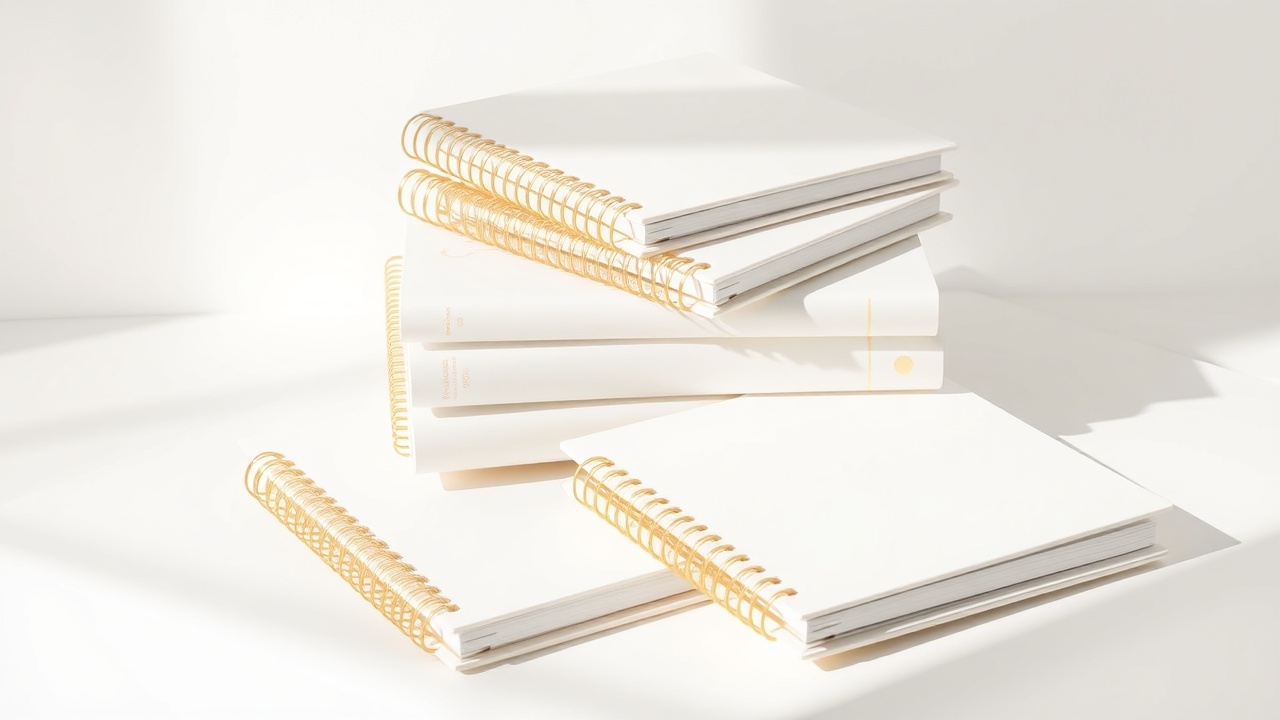
For a 120-page lined journal priced at $7.99, your royalty lands around $2.50-$3.00 after Amazon's cut and printing fees. A dated planner with 200+ pages at $12.99 might yield $4-$5 per sale. These margins seem thin until you realize: you create the product once, and it sells indefinitely without inventory, shipping hassles, or customer service headaches on your end.
KDP low content books work because Amazon handles everything post-publication. Your job is threefold:
- Research profitable niches with real buyer demand
- Design interior pages and covers that look professional
- Optimize your listing with keywords buyers actually search
Get those three elements right, and Amazon's algorithm does the heavy lifting of putting your book in front of shoppers.
Step-by-step: how to start
Step 1: Set up your Amazon KDP account
Visit kdp.amazon.com and sign up using your existing Amazon account or create a new one. You'll need to provide tax information (SSN or EIN for US publishers, tax interview for international) and banking details for royalty payments. This takes about 15 minutes and costs nothing.
Step 2: Research profitable niches
This step makes or breaks your low content business. Skip it, and you'll publish books nobody searches for. Invest an hour here, and you'll find underserved audiences hungry for specific products.
Start by browsing Amazon's book categories under "Journals," "Planners," and "Activity Books." Note which products have strong sales ranks (under 100,000 in Books indicates decent sales) combined with lower review counts (under 500 reviews suggests less entrenched competition).
Look for specificity. "Pregnancy journal" is saturated. "High-risk pregnancy tracking journal" has clearer demand and fewer competitors. "Fitness planner" faces thousands of rivals. "Powerlifting training log with RPE tracking" speaks directly to a defined audience.
Tools like Publisher Rocket or free methods like Amazon's search autocomplete reveal what buyers actually type. When you search "journal for" and see suggestions like "journal for adhd adults" or "journal for grief and loss," those represent real search volume.
Step 3: Plan your book's interior
Decide on your book's specifications:
- Trim size: 6x9 inches works for most journals; 8.5x11 suits planners with more writing space
- Page count: Minimum 24 pages, but 100-200 pages feel more substantial and justify higher prices
- Interior type: Black and white costs less to print (higher royalties); color interiors work for activity books but eat into margins
Sketch out your repeating page layouts. A simple lined journal might use just 2-3 page templates repeated throughout. A more complex fitness planner could include weekly spreads, workout logs, measurement trackers, and reflection pages.
The money in low content books isn't in complexity—it's in solving a specific problem for a specific person better than generic alternatives.
Step 4: Design your interior pages
You have several paths here depending on your skills and time:
Free option: Canva offers templates for journal pages, planners, and logbooks. Customize colors, fonts, and layouts, then export as print-ready PDF. Expect 3-5 hours for a complete interior.
Faster option: Book Engine can generate KDP-ready interiors tailored to your niche specifications. Instead of manually creating 150 pages, you describe what you need—"120-page gratitude journal with morning prompts, daily intentions, and evening reflections"—and receive formatted files ready for upload. This collapses hours of design work into minutes.
Whichever method you choose, ensure your PDF meets KDP's specifications: proper bleed settings (0.125" if your design extends to edges), correct page dimensions, and fonts embedded in the file.
Step 5: Create a compelling cover
Your cover sells the book. Period. In Amazon's thumbnail-sized search results, only the cover and title differentiate your journal from dozens of competitors.
Effective low content book covers share traits:
- Clear, readable title even at small sizes
- Professional typography (avoid Comic Sans and its cousins)
- Cohesive color palette matching the niche aesthetic
- Visual elements suggesting the book's purpose
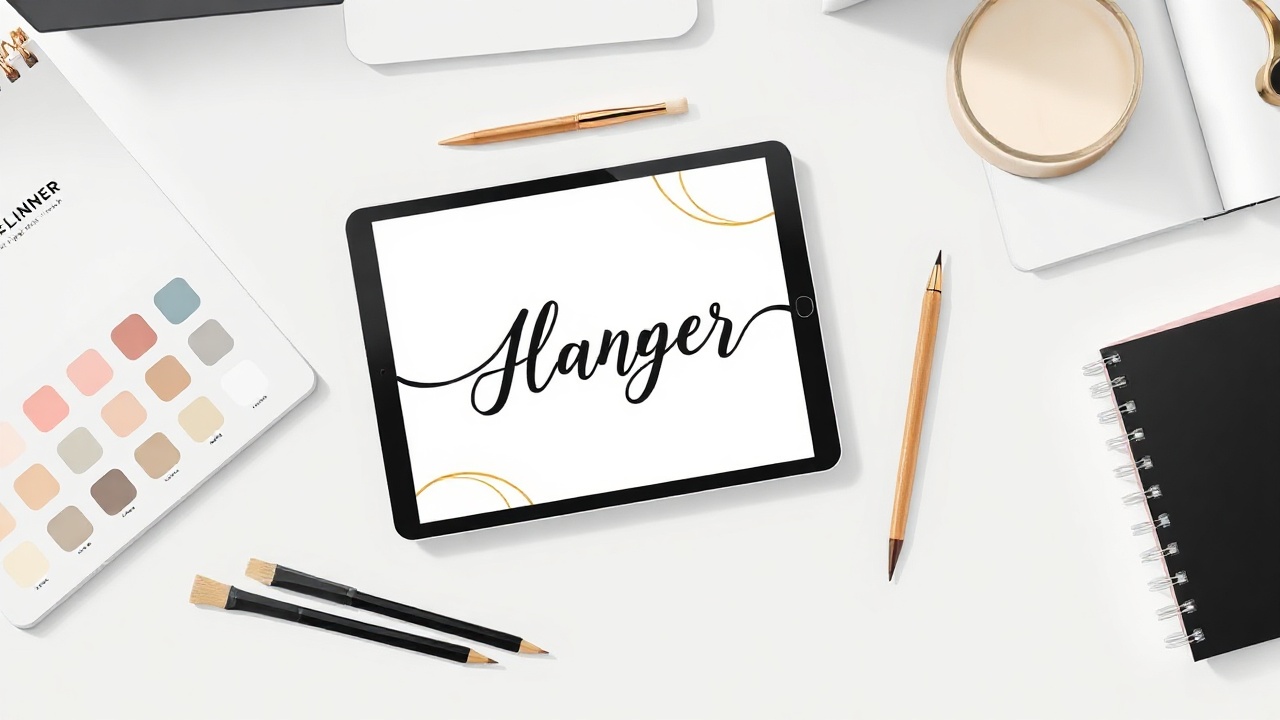
KDP's Cover Creator tool works for basic designs, but serious sellers use Canva, Adobe Express, or AI-powered design tools. You can also use Book Engine to generate cover concepts that match your interior's theme, ensuring a cohesive product.
Step 6: Prepare your files and upload
Combine your cover and interior into the formats KDP requires:
- Cover: Single PDF or JPG meeting KDP's dimension calculator requirements (based on page count and trim size)
- Interior: PDF with pages in correct order, proper margins, and embedded fonts
Log into KDP, click "Create New Title," select "Paperback," and follow the prompts. You'll enter your title, subtitle, description, and keywords—all crucial for discoverability.
Step 7: Optimize your listing for search
Amazon gives you seven keyword slots plus your title and subtitle. Use these strategically:
- Include primary search terms buyers use ("gratitude journal for women")
- Add benefit-focused phrases ("daily prompts," "mood tracking")
- Include related terms ("mindfulness," "self-care gift")
Your book description should clearly communicate what's inside, who it's for, and why it's better than alternatives. Bullet points work well here.
Step 8: Publish and expand
Hit publish and wait 24-72 hours for Amazon's review. Once live, your book appears in search results and can start generating sales.
The real strategy: don't stop at one book. Create variations targeting adjacent audiences. Your "powerlifting training log" could expand into "Olympic weightlifting journal," "CrossFit WOD tracker," and "home gym workout planner." Each book reinforces the others while capturing different search queries.
Some creators also repurpose their designs as digital printables. If you've designed a beautiful planner interior, that same file can sell on Etsy as an instant download. Etsy Engine can help you adapt your KDP designs into listing-ready Etsy printables, effectively doubling your product line from the same core work.
Realistic earnings & timeline
| Milestone | Typical Timeline | Expected Monthly Earnings |
|---|---|---|
| First book published | Week 1-2 | $0-$20 |
| 10 books live | Month 1-2 | $50-$150 |
| 25 books with keyword optimization | Month 3-4 | $150-$400 |
| 50 books across multiple niches | Month 6-9 | $400-$1,000 |
| 100+ books with established rankings | Month 12-18 | $1,000-$3,000+ |
These figures assume you're researching niches properly, creating quality products, and continuously improving based on sales data. Publishers who spam low-effort books see diminishing returns as Amazon's algorithm deprioritizes underperforming titles.
Q4 (October-December) typically delivers 2-3x normal earnings due to gift-buying season. Dated planners for the upcoming year sell heavily in November and December, then drop off. Evergreen journals provide steadier year-round income.
Mistakes that kill beginners
Targeting oversaturated niches without differentiation. Publishing another generic gratitude journal means competing against thousands of established listings with reviews and sales history. Find angles the existing books miss.
Ignoring cover quality. A cluttered, amateur cover signals a low-quality interior—even if your pages are beautifully designed. Invest time (or use AI tools) to create covers that look professionally published.
Skipping keyword research. Your perfect planner can't sell if nobody finds it. Amazon's search algorithm relies heavily on your title, subtitle, and backend keywords matching buyer queries.
Publishing one book and waiting. Low content publishing is a volume game. One book might earn $10/month; fifty books earning $10 each create meaningful income. Treat this as a catalog-building business, not a lottery ticket.
Copying competitors exactly. Beyond the ethical issues, Amazon actively removes books that too closely replicate existing content. Use competitors for inspiration, then create something distinctly yours.
Frequently asked questions
How much can you realistically make with low content books on Amazon KDP?
Most beginners earn $50-$300 per month within their first six months with 10-20 books. Consistent publishers with 50+ optimized books often reach $500-$2,000 monthly. Top sellers with hundreds of books and strong niches report $5,000+ per month, though this takes 12-24 months of focused effort.
Do I need design skills to create KDP low content books?
No design skills are required. Free tools like Canva offer templates for journals and planners, and AI-powered platforms can generate interior layouts and covers quickly. Basic drag-and-drop abilities are sufficient to create professional-looking low content books.
What types of low content books sell best on Amazon?
Dated planners for specific years, niche-specific journals (gratitude, fitness, pregnancy), specialized logbooks (blood pressure, vehicle maintenance, bird watching), and activity books for kids consistently perform well. Evergreen niches with year-round demand tend to provide more stable income than trendy topics.
How long does it take to create and publish a low content book?
With templates and AI tools, you can create a complete low content book in 2-4 hours, including cover design and interior formatting. Experienced creators often batch-produce multiple books in a single day. Publishing on KDP takes about 24-72 hours for review and approval.
Is Amazon KDP for beginners or do you need publishing experience?
Amazon KDP is specifically designed for beginners with no publishing experience. The platform handles printing, shipping, and customer service. You simply upload your PDF files, set your price, and Amazon manages everything else. There are no upfront costs to publish.
The bottom line
Low content books won't make you rich overnight, but they offer something rare: a genuinely passive income stream you can build without writing talent, large investments, or existing audience. The creators who succeed in 2026 combine smart niche research with AI-accelerated production to publish quality products faster than the competition. Start with one book this weekend, learn what works, and scale from there.
Get the AI tools to do all of this — free
Create a free Elite Engines account and get 5 AI money-making engines instantly. No credit card.
