How Do I Make a Digital Planner to Sell?
To make a digital planner to sell, design hyperlinked PDF pages in Canva, Keynote, or Affinity Publisher with clickable tabs for tablet navigation. Create dated layouts (daily, weekly, monthly), add functional hyperlinks between sections, and export as an interactive PDF. Price between $5–$25 and sell on Etsy, Gumroad, or your own site. The digital planner market generates $180+ million annually on Etsy alone as of 2025.
| Average selling price | $8–$18 on Etsy |
| Creation time | 4–12 hours for first planner |
| Top marketplace | Etsy (65% of digital planner sales) |
| Recommended file format | Hyperlinked PDF |
| Profit margin | 85–95% (no physical costs) |
What Is a Digital Planner and Why Do They Sell?
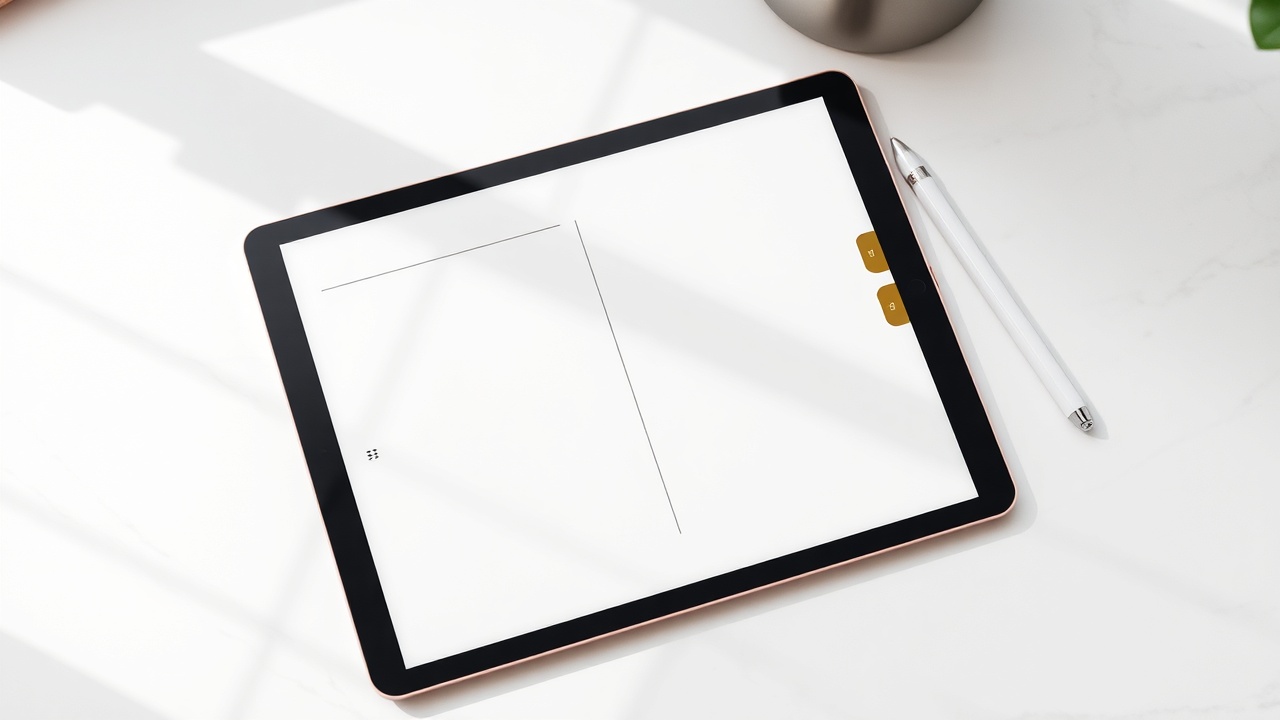
A digital planner is an interactive PDF or app-based file designed for use on tablets like iPads with apps such as GoodNotes, Notability, or Noteshelf. Unlike static PDFs, digital planners include hyperlinked tabs that let users tap between months, weeks, and custom sections instantly.
As of 2025, digital planners represent one of the fastest-growing segments of the digital product market. Etsy alone reports over $180 million in annual digital planner sales, with top sellers earning $10,000–$50,000 monthly. The appeal is clear: buyers get reusable planning tools, and sellers enjoy 85–95% profit margins with zero inventory costs.
Tools You Need to Create a Digital Planner
You don't need expensive software to make a professional digital planner. Here are the most popular options ranked by skill level:
| Tool | Cost | Best For | Hyperlinking |
|---|---|---|---|
| Canva Pro | $13/month | Beginners | Basic links |
| Keynote | Free (Mac) | Intermediate | Full hyperlinks |
| Affinity Publisher | $70 one-time | Advanced | Professional PDFs |
| Adobe InDesign | $23/month | Professional | Industry standard |
| PowerPoint | $7/month | Beginners | Basic links |
For most creators, Keynote (Mac) or Canva Pro offers the best balance of functionality and ease. Keynote's hyperlinking system is particularly well-suited for creating the clickable tabs digital planner users expect.
Step-by-Step Process to Design Your Digital Planner
Step 1: Choose Your Planner Type and Niche
Successful digital planners solve specific problems. Rather than creating a generic planner, target a niche:
- Academic planners (August–July dated)
- Fitness and meal planning journals
- Budget and financial trackers
- ADHD-friendly planners with simplified layouts
- Wedding or event planning organizers
Research bestsellers on Etsy and identify gaps. Planners with unique features like habit trackers, mood logs, or goal-setting frameworks command higher prices.
Step 2: Plan Your Page Structure
A standard digital planner includes:
- Cover page with title and branding
- Yearly overview (12-month calendar)
- Monthly spreads (dated or undated)
- Weekly layouts (horizontal or vertical)
- Daily pages (lined, dotted, or grid options)
- Notes sections and bonus trackers
Map out your hyperlink structure before designing. Each tab should navigate users to the corresponding section seamlessly.
Step 3: Design Consistent Templates
Create master templates for each page type to maintain visual consistency. Use a cohesive color palette (3–5 colors maximum) and select 2–3 fonts: one for headers, one for body text, and optionally one accent script font.
Design at 3000 x 2250 pixels for landscape orientation (GoodNotes standard) or adjust for portrait if your audience prefers vertical layouts.
Step 4: Add Hyperlinks and Navigation
This step separates amateur planners from professional products. Every tab, month name, and section header should be clickable. In Keynote:
- Select the element you want to link
- Click "Add Link" and choose "Slide"
- Select the destination page
- Test every link before exporting
Include "return to home" or "back to index" buttons on each page for intuitive navigation.
Step 5: Export as Interactive PDF
Export your completed planner as a PDF with hyperlinks preserved. In Keynote, select "Export to PDF" and ensure "Include each build stage" is unchecked for clean pages. Test the final file in GoodNotes or a similar app before listing.
Pricing Your Digital Planner
Digital planner pricing on Etsy and Gumroad typically follows this structure:
- Basic undated planners: $5–$10
- Dated annual planners: $10–$18
- Niche specialty planners: $15–$25
- Premium bundles (multiple planners): $25–$45
Consider offering a lower-priced "lite" version to capture budget-conscious buyers and upsell to your full product.
Where to Sell Your Digital Planner
Etsy dominates the digital planner marketplace, accounting for approximately 65% of sales. The platform's built-in audience and search functionality make it ideal for new sellers. Creating compelling product listings requires strategic keyword placement, clear mockup images, and detailed descriptions explaining compatibility with apps like GoodNotes and Notability.
For sellers looking to streamline their Etsy presence, Etsy Engine generates optimized product listings and tags specifically for digital printables and planners, helping your products surface in buyer searches.
Alternative platforms include:
- Gumroad: Lower fees (10% vs. Etsy's 15%), direct audience ownership
- Creative Market: Design-focused audience willing to pay premium prices
- Shopify: Full control but requires driving your own traffic
- Your own website: Highest margins, requires marketing investment
Marketing Your Digital Planners
Successful digital planner sellers use Pinterest, Instagram, and TikTok to drive traffic. Create "plan with me" content showing your planner in action. Pinterest pins linking to your Etsy shop can generate passive traffic for months.
SEO matters significantly for Etsy visibility. Research keywords using Etsy's search bar, eRank, or Marmalead. Include terms like "GoodNotes planner," "iPad planner," and "hyperlinked PDF" in your titles and tags.
Common Mistakes to Avoid
- Broken hyperlinks: Test every single link before publishing
- Wrong dimensions: Confirm your canvas matches tablet screen ratios
- Overcrowded designs: Leave white space for handwriting
- Missing file formats: Offer both PDF and PNG versions when possible
- Ignoring updates: Dated planners need annual refreshes to maintain sales
Get the AI tools to do this — free
Create a free Elite Engines account and get 5 AI engines instantly. No credit card.
Related questions
What software is best for making digital planners?
Keynote (free on Mac) and Canva Pro ($13/month) are best for beginners due to their intuitive hyperlinking features. For professional results, Affinity Publisher ($70 one-time) or Adobe InDesign ($23/month) offer advanced layout controls and more reliable PDF exports with preserved hyperlinks.
How much money can you make selling digital planners?
Digital planner income varies widely. Beginner sellers typically earn $100–$500 monthly in their first year. Established Etsy shops with optimized listings average $2,000–$8,000 monthly, while top 1% sellers report $20,000–$50,000 monthly. Profit margins range from 85–95% since there are no production or shipping costs.
What size should a digital planner be for GoodNotes?
The standard GoodNotes digital planner size is 3000 x 2250 pixels in landscape orientation, matching the iPad's screen ratio. For portrait planners, use 2250 x 3000 pixels. These dimensions ensure crisp display without pixelation when users zoom in to write.
Do digital planners need to be dated or undated?
Both formats sell well, but they serve different markets. Undated planners appeal to buyers who start planning mid-year or want perpetual reuse—they require no annual updates. Dated planners command 20–30% higher prices and drive repeat purchases as buyers return each year for updated versions.
How do I add hyperlinks to a digital planner?
In Keynote, select your tab or text, click "Add Link," choose "Slide," and select the destination page. In Canva, use the link tool to connect elements to other pages within your design. Always test every hyperlink in GoodNotes or Notability before selling to ensure smooth navigation for customers.
